
Two Sides of the Coin
TubeBuddy is the industry standard for channel management.
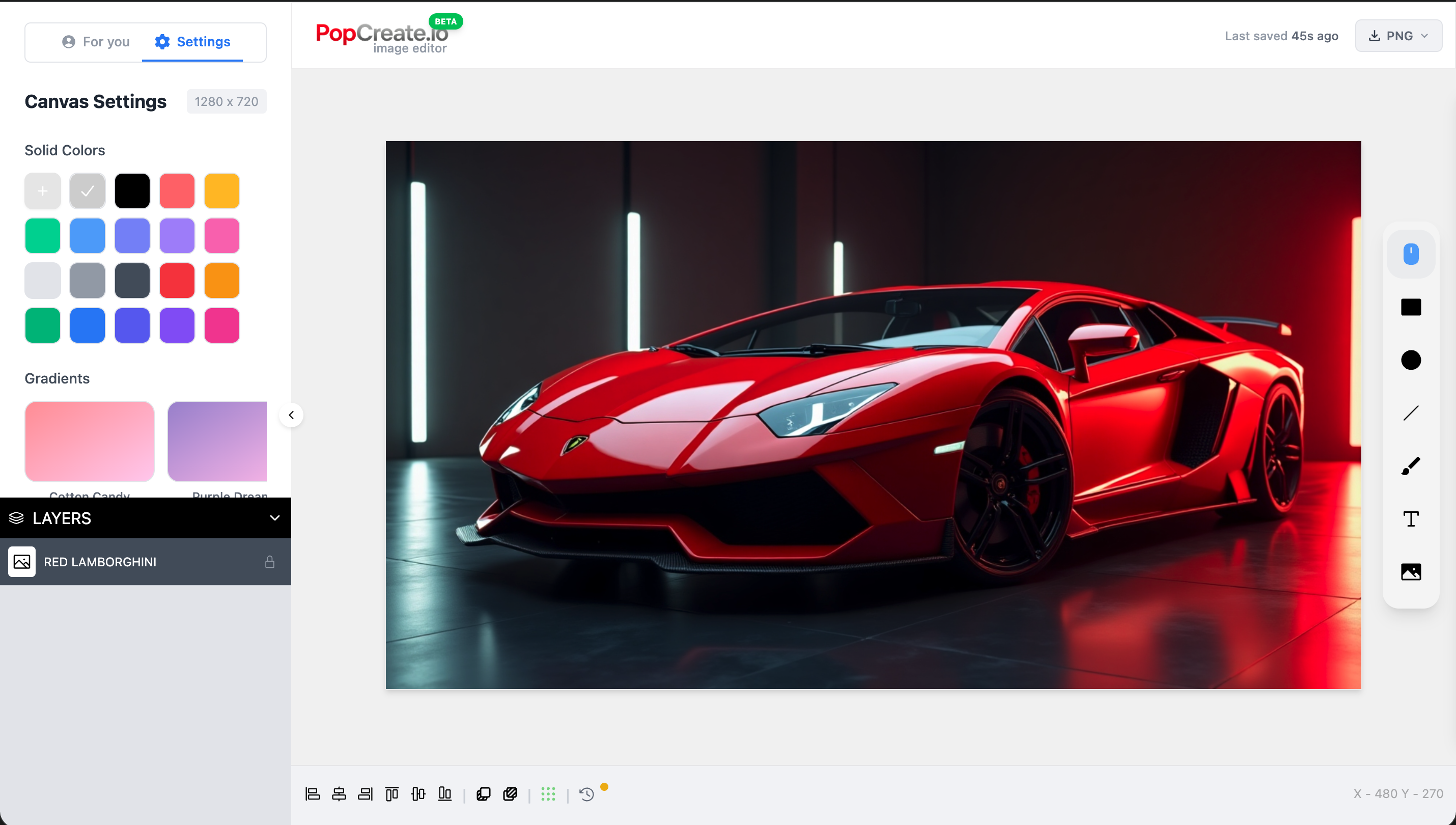
PopCreate is the new standard for visual performance.
Bulk Tools vs.
Creative Studio
TubeBuddy is amazing for updating 50 videos at once. But when you need to craft one masterpiece that goes viral, you need a dedicated studio.
- ✓ AI Generation: Create assets from scratch.
- ✓ Visual Psychology: Tools designed for attention.
- ✓ Pro Editor: Layers, masking, and effects.
Reactive vs.
Predictive Testing
TubeBuddy's A/B testing is solid, but it requires you to wait days for results. PopCreate uses predictive AI to help you pick the winner before you publish.
Don't Choose. Combine.
Use TubeBuddy to manage your library. Use PopCreate to make it perform.
TubeBuddy
Channel Ops- ✅ Bulk Processing
- ✅ Tag Explorer
- ✅ Comment Moderation
- ❌ Graphic Design Tools
- ❌ Generative AI Visuals
PopCreate
Creative Performance- ✅ AI Thumbnail Editor
- ✅ Predictive Analytics
- ✅ Visual Asset Gen
- ✅ Trend Audits
- ❌ Bulk Card Updates
Common Questions
Everything you need to know about PopCreate.
How is PopCreate different from ThumbnailTest or Pikzels?
PopCreate is an all-in-one platform. While ThumbnailTest only does A/B testing and Pikzels focuses on AI generation, PopCreate combines a full professional editor, automated A/B testing, and analytics in one integrated solution. No need to pay for multiple tools.
Do I need design skills to use PopCreate?
Not at all! Our professional editor is built for creators, not designers. Use smart templates, Picasso generation, and one-click tools to create professional thumbnails in minutes.
How does the A/B testing work?
Simply upload multiple thumbnail or title variants. PopCreate automatically rotates them on your video, collects performance data, and uses statistical analysis to determine the winner. When a variant reaches statistical significance, we notify you.
Is it safe to connect my YouTube channel?
Absolutely. We use YouTube's official OAuth API and only request the minimum permissions needed. We can only update thumbnails and titles—we cannot delete videos or access sensitive data.
What AI models power PopCreate?
We use Google Nano Banana for high-quality thumbnail generation and our in-house Picasso Lite for fast iterations. All running securely on our infrastructure.
Can I try PopCreate before paying?
Yes! Our free plan includes full editor access, 10 Pop-C Credits per month, and 3 A/B tests. No credit card required. Upgrade when you're ready to scale.
Still have questions? Contact our support team →
Complete Your Creator Stack
Add the visual power your channel is missing.