
Stop Designing in the Dark
Canva helps you make things that look good. PopCreate helps you make things that get clicked. There is a massive difference.
Generic vs. Dedicated
Canva is built for wedding invites, flyers, and Instagram. It doesn't know what a "Timestamp" obstruction is. It doesn't know about device scaling.
PopCreate is purpose-built for YouTube.
- ✓ Safe Zones: Never hide text behind UI elements.
- ✓ Context Preview: See your thumbnail on the homepage while you edit.
- ✓ Device Check: Instantly check readability on mobile sizes.
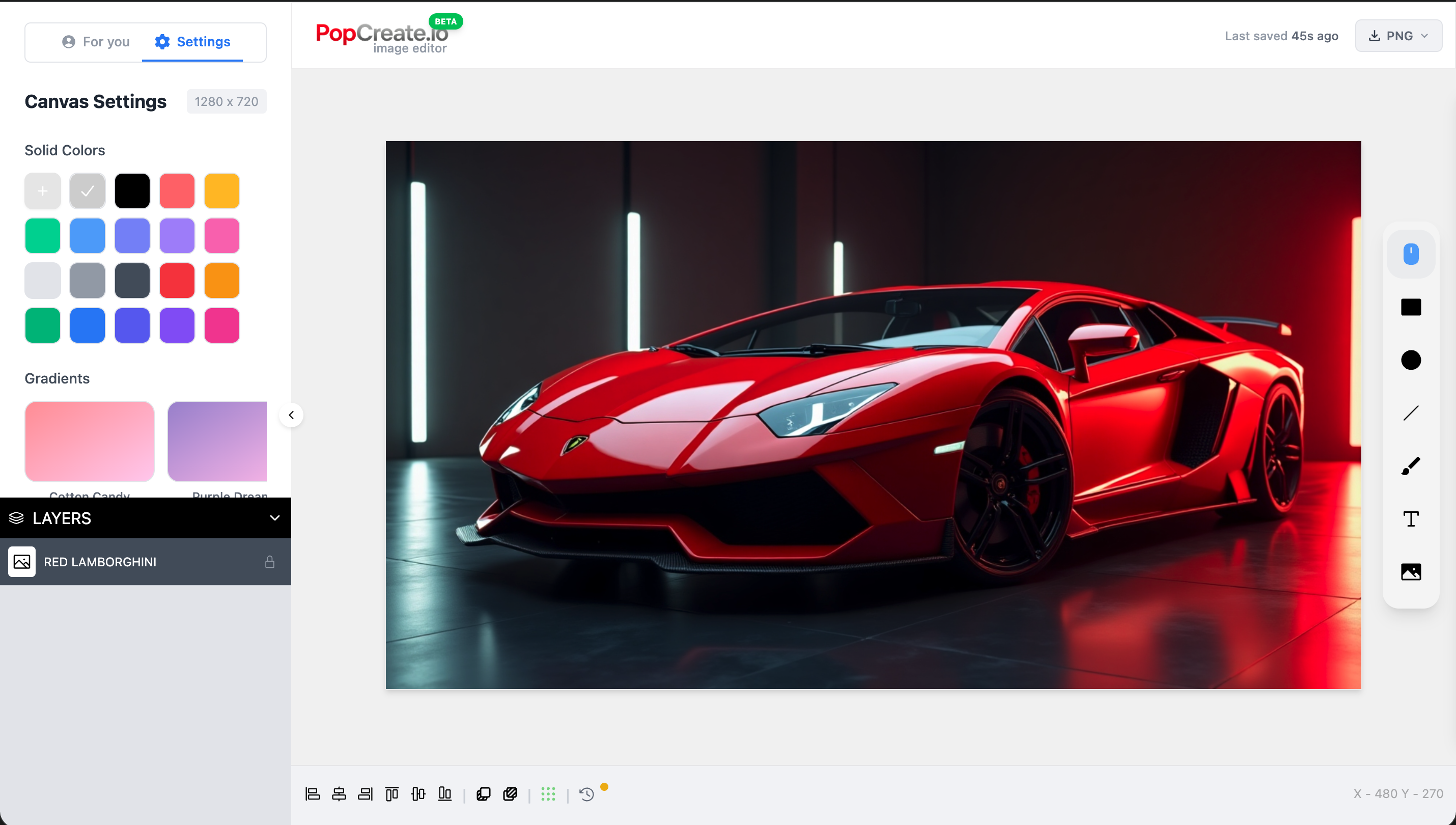
Static Pixels vs.
Predictive Data
In Canva, you export and hope for the best. In PopCreate, you know the score before you upload.
We integrate directly with YouTube to rotate your thumbnails and find the statistical winner.
The Specialist Upgrade
Use Canva for your channel banner. Use PopCreate for the thumbnails that actually drive views.
Canva
General Design- ✅ Channel Art & Banners
- ✅ Community Posts
- ✅ Social Media Assets
- ❌ CTR Prediction
- ❌ YouTube API Integration
PopCreate
Thumbnail Performance- ✅ CTR-Optimized Editor
- ✅ Predictive A/B Testing
- ✅ YouTube UI Previews
- ✅ Competitor Benchmarking
- ❌ Wedding Invitations
Common Questions
Everything you need to know about PopCreate.
How is PopCreate different from ThumbnailTest or Pikzels?
PopCreate is an all-in-one platform. While ThumbnailTest only does A/B testing and Pikzels focuses on AI generation, PopCreate combines a full professional editor, automated A/B testing, and analytics in one integrated solution. No need to pay for multiple tools.
Do I need design skills to use PopCreate?
Not at all! Our professional editor is built for creators, not designers. Use smart templates, Picasso generation, and one-click tools to create professional thumbnails in minutes.
How does the A/B testing work?
Simply upload multiple thumbnail or title variants. PopCreate automatically rotates them on your video, collects performance data, and uses statistical analysis to determine the winner. When a variant reaches statistical significance, we notify you.
Is it safe to connect my YouTube channel?
Absolutely. We use YouTube's official OAuth API and only request the minimum permissions needed. We can only update thumbnails and titles—we cannot delete videos or access sensitive data.
What AI models power PopCreate?
We use Google Nano Banana for high-quality thumbnail generation and our in-house Picasso Lite for fast iterations. All running securely on our infrastructure.
Can I try PopCreate before paying?
Yes! Our free plan includes full editor access, 10 Pop-C Credits per month, and 3 A/B tests. No credit card required. Upgrade when you're ready to scale.
Still have questions? Contact our support team →
Stop Guessing with Your Design
Upgrade to the tool built for the job.